Finding
What Direct Lake Actually Is: I Added a Row and Never Refreshed the Model
Direct Lake gets described as Import speed with live data. I wanted to watch the live part happen.
What it is
Import copies your data into the model. DirectQuery sends every query back to the source. Direct Lake does neither. It pulls the Delta Parquet files from OneLake into memory when a query first needs them, and holds them there until they age out. A Fabric Warehouse stores its tables as Delta Parquet in OneLake, so a Warehouse table qualifies.
The test
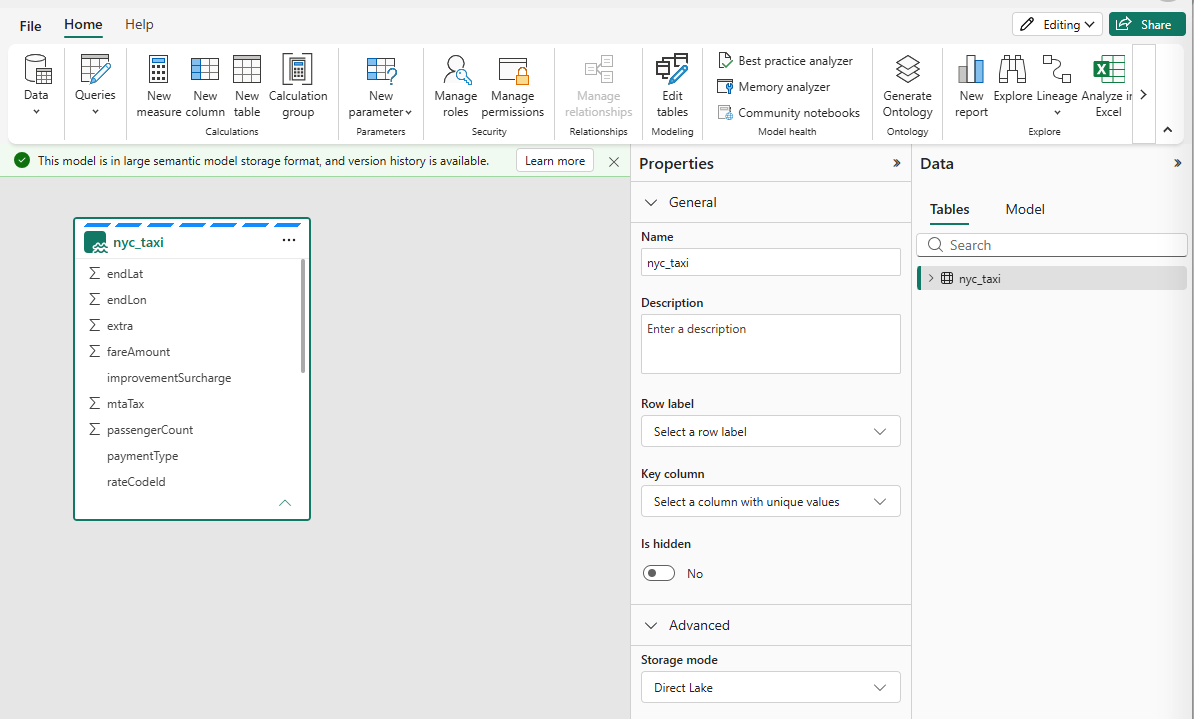
I built a Direct Lake on OneLake model over a 10.9-million-row table in a Fabric Warehouse (the NYC taxi data I use for these tests) and put a single card on a report: Sum of fareAmount.

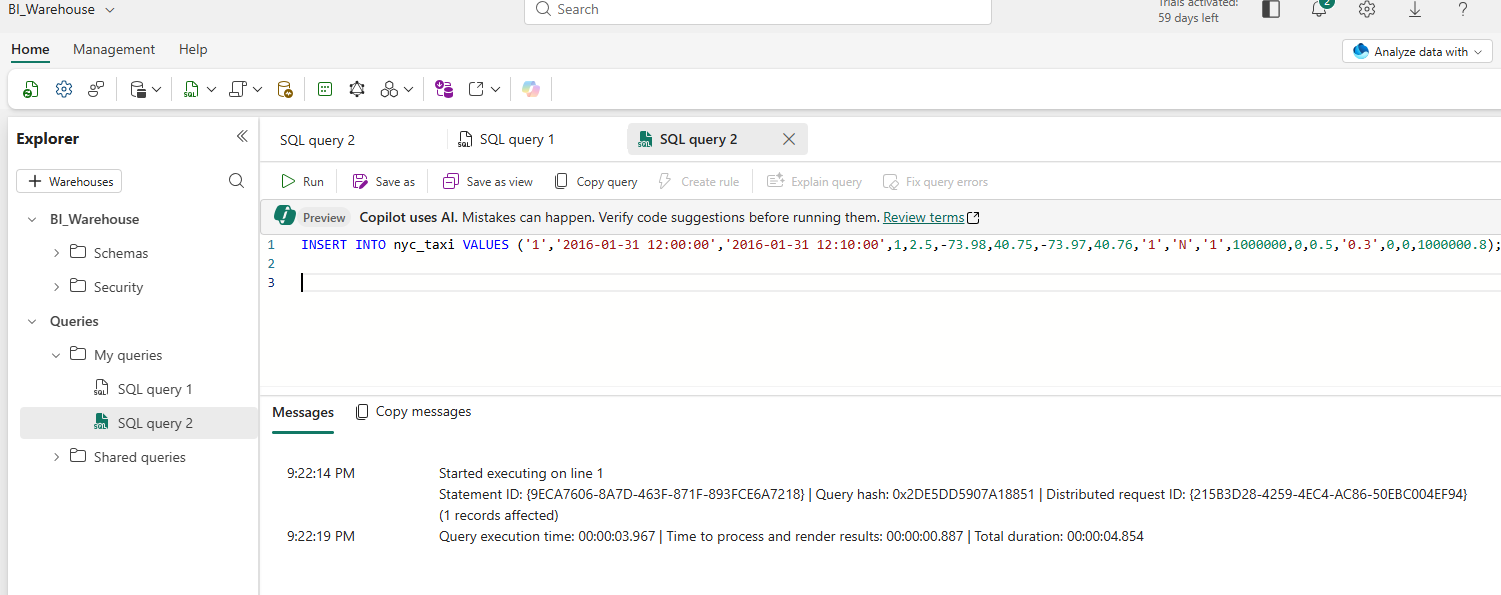
I then inserted one synthetic test row into the Warehouse table, with a fareAmount of 1,000,000.
I refreshed the report, not the semantic model, and the card moved.

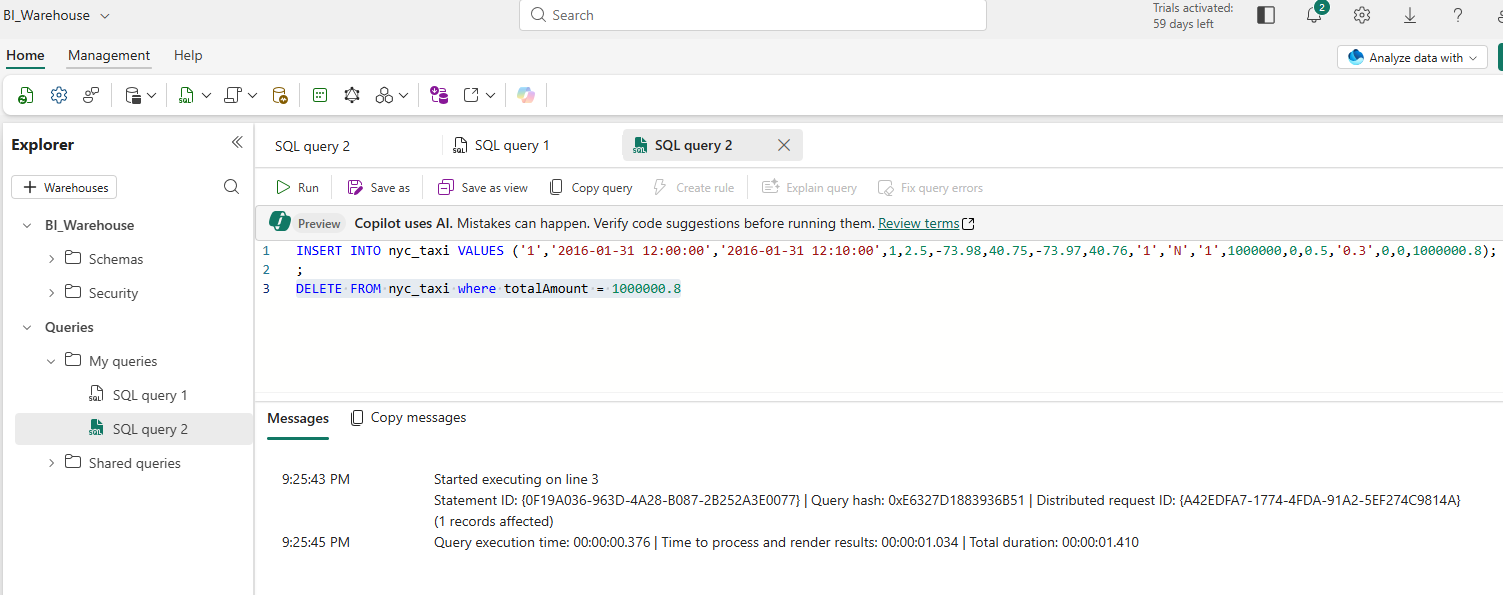
Then I deleted the row.

Why it worked
Nothing was loaded and nothing was scheduled. A Direct Lake model has a setting, Keep your Direct Lake data up to date, that is on by default. When it detects changes in the underlying Delta tables, it re-frames the model to point at the new data. A Direct Lake refresh copies only metadata, which is why it takes seconds instead of the time an Import refresh needs to copy everything.
Direct Lake doesn’t copy your data into the model. It points the model at the data, and re-points it when the data changes.
What I take from this
- The model read the same Delta files the Warehouse wrote, with no copy step in between
- The freshness came from a default setting, so it's worth knowing it exists before you rely on it
- The test row was synthetic and I removed it afterward. The run was on a trial capacity.